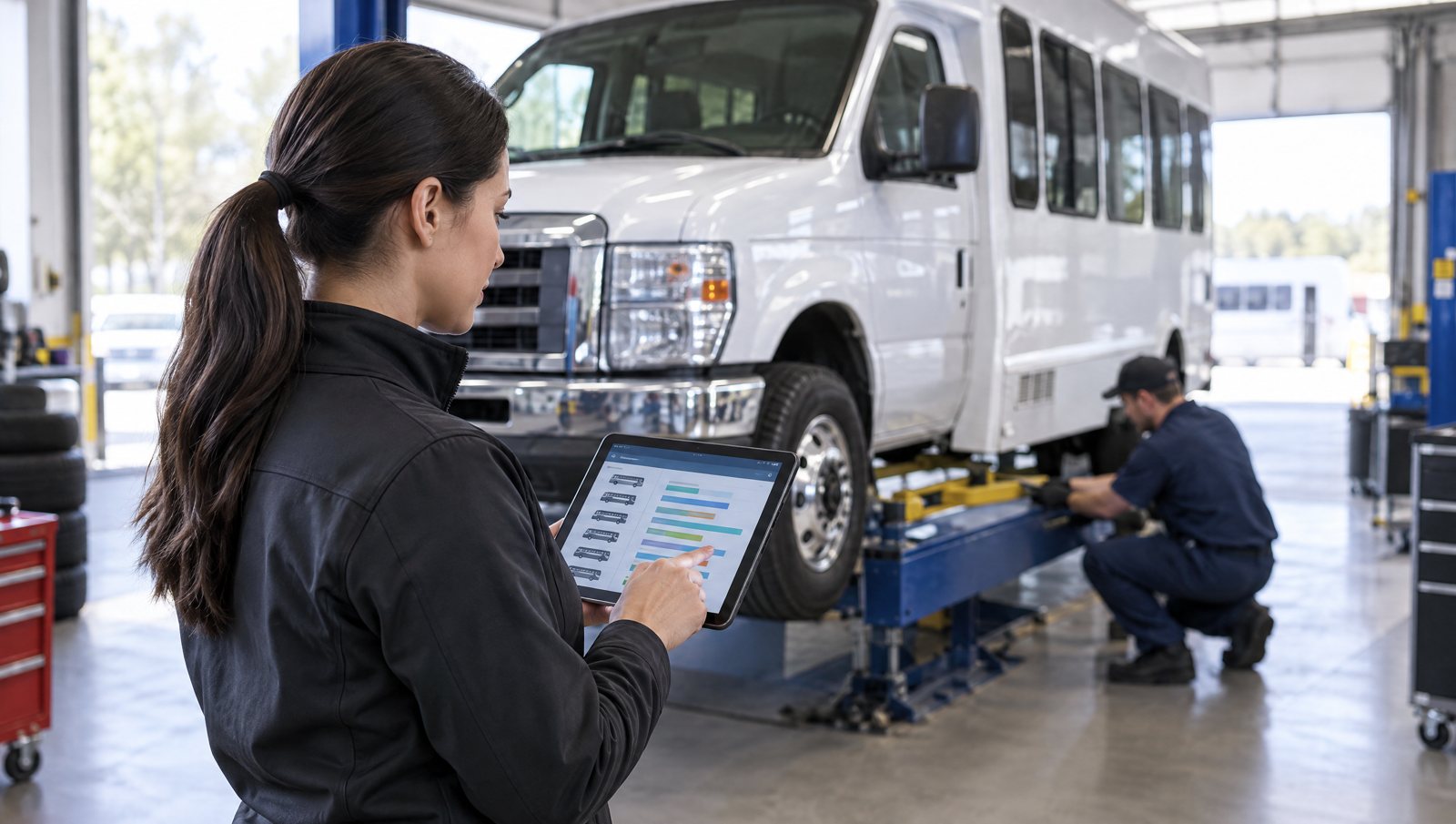
לקוח עסקי בענף הרכב הוא לקוח מורכב. חברת הסעות עם עשרות אוטובוסים, צי רכב של חברת שירות, ארגון ביטחוני עם רכבים מיוחדים. לכל אחד מהם יש כמה אנשי קשר, הסכם מחירים, היסטוריה של החלפות ותיקונים, ולוח זמנים של טיפולים שמשפיע ישירות על הפעילות שלו. כשהמידע הזה מפוזר בין מחשב המשרד, פנקס של מנהל הסניף והטלפון של איש המכירות, קשה לתת ללקוח כזה את השירות שהוא מצפה לו. מערכת CRM שבנויה לענף הרכב מרכזת את כל זה במקום אחד.
מערכת CRM רגילה מנהלת אנשי קשר, עסקאות ומשימות. בענף הרכב צריך יותר מזה: לדעת אילו רכבים יש לכל לקוח, מה בוצע בכל רכב ומתי, מה הטיפול הבא, ומה תנאי ההסכם עם הצי. מערכת CRM לענף הרכב בנויה סביב הרכב והלקוח יחד. כל רכב הוא רשומה עם היסטוריה, וכל לקוח עסקי רואה את כל הצי שלו בתמונה אחת.
לקוח עם צי רכב רוצה בעיקר שקט. שהרכבים יהיו תקינים, שהטיפולים יבוצעו בזמן, ושהחשבונית תהיה מסודרת. מערכת CRM טובה מאפשרת לנהל לכל לקוח את רשימת הרכבים, את סוגי הצמיגים או החלקים שמתאימים לכל אחד, ואת התנאים המסחריים. כשמתקשר מנהל הצי של הלקוח, איש השירות רואה מיד את כל המידע, בלי לחפש בתיקיות.
בענף ההסעות, למשל, יש חשיבות גדולה לתחזוקה נכונה של צמיגים ברכבי הסעות, כי רכב שעומד בגלל תקלה פוגע בלוח הזמנים של הלקוח. מערכת שיודעת מתי בוצעה ההחלפה האחרונה בכל רכב יכולה להתריע מראש, ולאפשר לתאם טיפול בזמן שנוח ללקוח.
הערך הגדול של CRM בענף הוא המעבר משירות שמגיב לשירות יוזם. במקום לחכות שהלקוח יתקשר, המערכת מזהה שהגיע מועד לבדיקה, להחלפה עונתית או לחידוש הסכם, ופותחת משימה לאיש השירות או שולחת תזכורת ללקוח. לקוחות עסקיים מעריכים את זה במיוחד, כי זה חוסך להם את הצורך לעקוב בעצמם.
במכירות לציי רכב, כל עסקה כוללת משא ומתן על מחירים, כמויות ותנאי אשראי. מערכת CRM שומרת את ההצעות, מתעדת את השיחות ומזכירה לאיש המכירות מתי לחזור. כשמתקרב מועד חידוש של הסכם, המערכת מציגה את נתוני השנה שעברה: כמה רכבים טופלו, כמה הוזמן, ומה הייתה רמת השירות. עם הנתונים האלה, השיחה על חידוש ההסכם הופכת לשיחה עניינית.
כדי שה-CRM יעבוד באמת, הוא צריך להתחבר למערכת הנהלת החשבונות, למלאי ולפעמים גם למערכת תיאום העבודה בסניפים. כשהמידע זורם בין המערכות, הזמנת עבודה שנפתחה בסניף מופיעה ברשומת הרכב, והחשבונית שהופקה מופיעה אצל הלקוח. בלי החיבורים האלה, הצוות ממשיך להקליד את אותו מידע פעמיים.
כן, בעיקר אם יש לו לקוחות עסקיים עם ציי רכב. גם בסניף אחד, היכולת לראות היסטוריה מלאה של כל רכב ולתזמן טיפולים מראש משפרת את השירות.
ברוב המקרים כן, מקבצי אקסל או ממערכת קודמת. כדאי לנקות את הנתונים לפני הייבוא, כדי למנוע כפילויות של רכבים ולקוחות.
זה תלוי במספר המשתמשים, בכמות הנתונים ובחיבורים הנדרשים. הטמעה בשלבים, שמתחילה בניהול לקוחות ורכבים ומוסיפה בהמשך מכירות וחיבורים, מאפשרת לצוות להתחיל לעבוד מהר.
בענף הרכב, לקוח עסקי נשאר כשהשירות צפוי, מסודר ויוזם. מערכת CRM שבנויה סביב הרכבים של הלקוח הופכת את המידע הזה לזמין לכל הצוות, ומאפשרת לטפל בציי רכב גדולים בלי לאבד שליטה. עסקים בענף שרוצים לבנות מערכת כזו, מחוברת למערכות הקיימות, עובדים בדרך כלל עם גורם שמתמחה בתחום, כמו ארכיטק – הטמעת מערכות מידע לארגונים.
We firmly believe that the internet should be available and accessible to anyone, and are committed to providing a website that is accessible to the widest possible audience, regardless of circumstance and ability.
To fulfill this, we aim to adhere as strictly as possible to the World Wide Web Consortium’s (W3C) Web Content Accessibility Guidelines 2.1 (WCAG 2.1) at the AA level. These guidelines explain how to make web content accessible to people with a wide array of disabilities. Complying with those guidelines helps us ensure that the website is accessible to all people: blind people, people with motor impairments, visual impairment, cognitive disabilities, and more.
This website utilizes various technologies that are meant to make it as accessible as possible at all times. We utilize an accessibility interface that allows persons with specific disabilities to adjust the website’s UI (user interface) and design it to their personal needs.
Additionally, the website utilizes an AI-based application that runs in the background and optimizes its accessibility level constantly. This application remediates the website’s HTML, adapts Its functionality and behavior for screen-readers used by the blind users, and for keyboard functions used by individuals with motor impairments.
If you’ve found a malfunction or have ideas for improvement, we’ll be happy to hear from you. You can reach out to the website’s operators by using the following email
Our website implements the ARIA attributes (Accessible Rich Internet Applications) technique, alongside various different behavioral changes, to ensure blind users visiting with screen-readers are able to read, comprehend, and enjoy the website’s functions. As soon as a user with a screen-reader enters your site, they immediately receive a prompt to enter the Screen-Reader Profile so they can browse and operate your site effectively. Here’s how our website covers some of the most important screen-reader requirements, alongside console screenshots of code examples:
Screen-reader optimization: we run a background process that learns the website’s components from top to bottom, to ensure ongoing compliance even when updating the website. In this process, we provide screen-readers with meaningful data using the ARIA set of attributes. For example, we provide accurate form labels; descriptions for actionable icons (social media icons, search icons, cart icons, etc.); validation guidance for form inputs; element roles such as buttons, menus, modal dialogues (popups), and others. Additionally, the background process scans all of the website’s images and provides an accurate and meaningful image-object-recognition-based description as an ALT (alternate text) tag for images that are not described. It will also extract texts that are embedded within the image, using an OCR (optical character recognition) technology. To turn on screen-reader adjustments at any time, users need only to press the Alt+1 keyboard combination. Screen-reader users also get automatic announcements to turn the Screen-reader mode on as soon as they enter the website.
These adjustments are compatible with all popular screen readers, including JAWS and NVDA.
Keyboard navigation optimization: The background process also adjusts the website’s HTML, and adds various behaviors using JavaScript code to make the website operable by the keyboard. This includes the ability to navigate the website using the Tab and Shift+Tab keys, operate dropdowns with the arrow keys, close them with Esc, trigger buttons and links using the Enter key, navigate between radio and checkbox elements using the arrow keys, and fill them in with the Spacebar or Enter key.Additionally, keyboard users will find quick-navigation and content-skip menus, available at any time by clicking Alt+1, or as the first elements of the site while navigating with the keyboard. The background process also handles triggered popups by moving the keyboard focus towards them as soon as they appear, and not allow the focus drift outside of it.
Users can also use shortcuts such as “M” (menus), “H” (headings), “F” (forms), “B” (buttons), and “G” (graphics) to jump to specific elements.
We aim to support the widest array of browsers and assistive technologies as possible, so our users can choose the best fitting tools for them, with as few limitations as possible. Therefore, we have worked very hard to be able to support all major systems that comprise over 95% of the user market share including Google Chrome, Mozilla Firefox, Apple Safari, Opera and Microsoft Edge, JAWS and NVDA (screen readers), both for Windows and for MAC users.
Despite our very best efforts to allow anybody to adjust the website to their needs, there may still be pages or sections that are not fully accessible, are in the process of becoming accessible, or are lacking an adequate technological solution to make them accessible. Still, we are continually improving our accessibility, adding, updating and improving its options and features, and developing and adopting new technologies. All this is meant to reach the optimal level of accessibility, following technological advancements. For any assistance, please reach out to

